
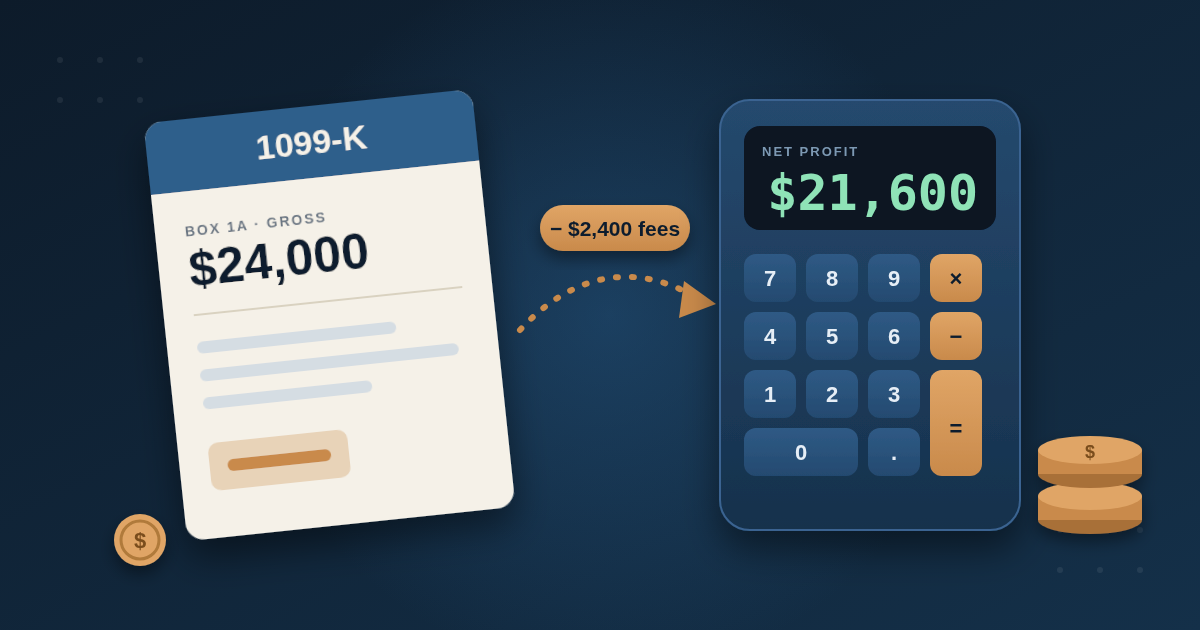
This 1099-K calculator turns the gross amount on your form into the income you actually report. A Form 1099-K shows gross payments, not profit, so it does not subtract fees, refunds, or personal items sold at a loss. Add your numbers below, and the results update as you type.
1099-K Reconciliation Calculator
Turn the gross amount on your Form 1099-K into the income you actually report. The numbers below are examples, so replace them with yours.
Selling personal items or getting reimbursements? Open this
How to Use the 1099-K Calculator
- Start with the gross amount from Box 1a of your form.
- Next, add the platform fees you paid. Your platform's annual earnings report usually lists them.
- Then add refunds, chargebacks, and other costs tied to these sales.
- After that, add any business income you received elsewhere, such as cash.
- If the form includes your own belongings or reimbursements, open the personal items panel.
- Finally, enter your bank deposits to check them against the form.
Where Each Number Goes on Your Return
| Amount | Where it goes |
|---|---|
| Gross receipts | Schedule C, line 1 |
| Refunds and chargebacks | Schedule C, line 2 |
| Platform fees | Schedule C, line 10 |
| Net profit | Schedule C, line 31 |
| Personal items sold at a loss | Schedule 1, 1099-K entry space |
| Personal items sold at a gain | Form 8949 and Schedule D |
Example 1: A Freelancer With a $24,000 Form
A freelancer billed $24,000 through a platform that kept $2,400 in fees. The form shows $24,000, but only $21,600 reached the bank. The calculator therefore reports $24,000 as gross receipts and deducts the $2,400 fee on line 10. Net profit is $21,600, and estimated self-employment tax is about $3,052. Our Upwork guide explains why this gap exists.
Example 2: A Closet Cleanout With a $4,800 Form
A seller cleared out a home and sold items for $4,800, all for less than they cost. Because nothing here is business income, the calculator shows $0 of gross receipts and a $4,800 Schedule 1 entry. Our guide to personal items sold at a loss covers the reporting steps.
Why Your Deposits Do Not Match the Form
Deposits often fall short of the gross amount. Fees explain most of the gap, but refunds, holds, chargebacks, and timing matter too. For example, a sale made in late December can pay out in January. Use the deposit check to see how much of the gap remains after those items.
What the Calculator Does Not Do
- The tool cannot see what your platform included in the form. Some forms include sales tax or shipping.
- Your return stays your job. The calculator does not prepare it or replace a tax professional.
- The tool estimates self-employment tax only, not income tax.
- All estimates use 2026 self-employment tax rates.
If your form includes sales tax the marketplace collected and remitted, ask a tax professional how to treat it.
Frequently Asked Questions
Is the 1099-K amount my taxable income? No. It is a gross figure, so your taxable income depends on what the payments represent and on your expenses.
What if my form includes personal payments? Ask the platform for a corrected form first. If you cannot get one, the IRS explains how to report these amounts.
Where do I deduct platform fees? On Schedule C, line 10, as commissions and fees.
What if I never received a 1099-K? Your income is still reportable, because a form only shows that a platform met its reporting threshold.
Learn More
Our self-employment tax guide explains the 15.3% calculation. Then our guide to quarterly estimated taxes shows how to pay it during the year.
This calculator is for general educational purposes and is not individualized tax advice. Last reviewed October 2026. Consult a CPA or enrolled agent for your situation.